
Freight & Cargo · ARKshield

Take photos before and after you have the assets, to protect your word of honor.

Record freight, pallet, and trailer condition at pickup and delivery. Keep a before-and-after photo record that supports your account of the condition.

ARK Velocity LLC is a U.S. veteran-owned business.

Freight condition record

A clear account of the handoff.

Fictional sample · Illustrative photos
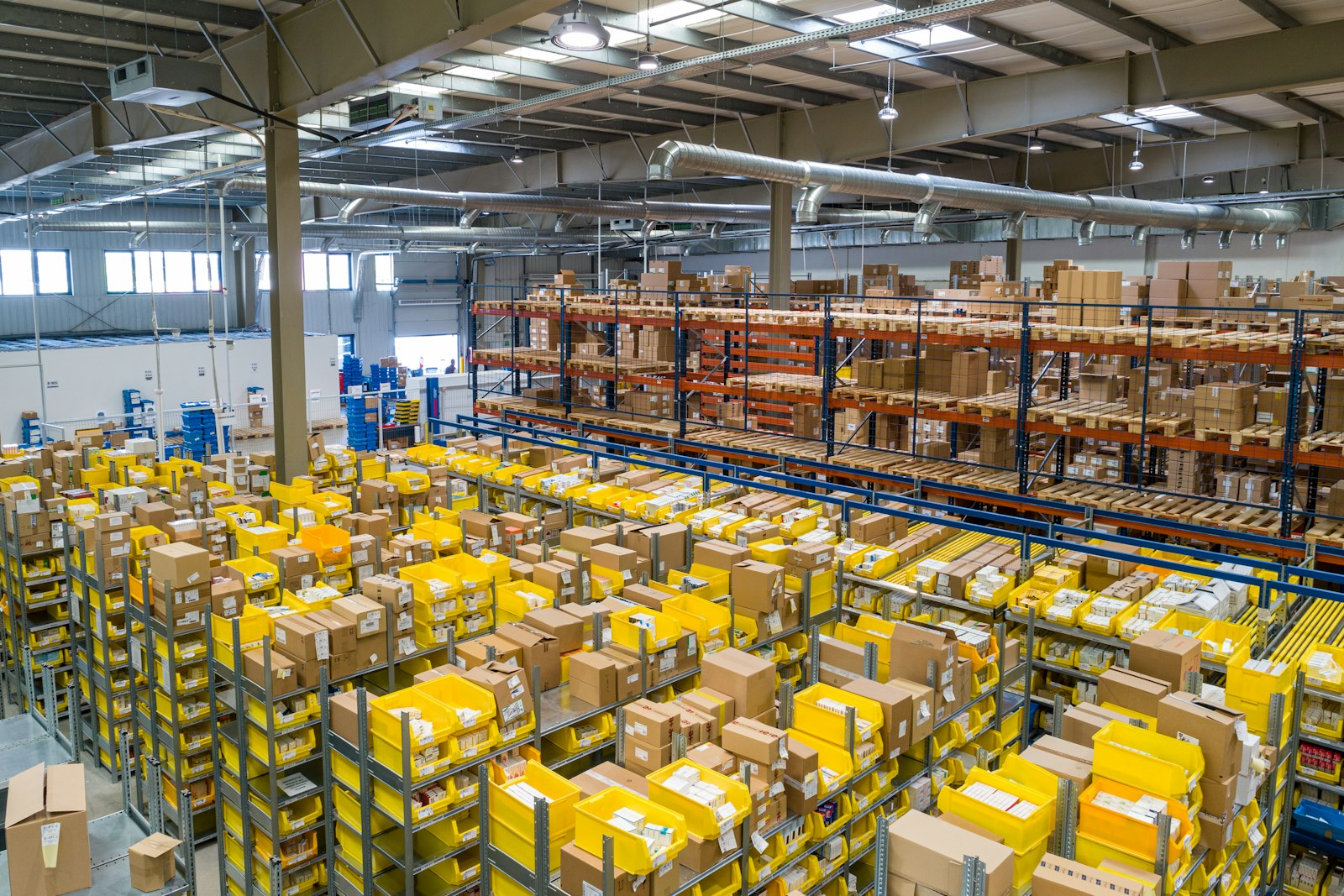
Warehouse dock — pallets staged for unload.

SAMPLE PROOF · DOCK 7

Trailer delivery condition

Seal number, pallet wrap, and visible condition recorded at the dock door.

Photo record
Warehouse dock — pallets staged for unload.
Sample timestamp
2026-07-16T12:05:00.000Z
Sample location
9000 Burleson Rd, Austin, TX 78744, USA
Open sample proof

Before pickup. After delivery. Your record.

  1. 01

    Snap the condition

    Take still photos before and after you have the freight. Record pallets, wrapping, seals, and trailer condition.

  2. 02

    Timestamp and watermark

    ARKshield automatically timestamps and watermarks each captured photo.

  3. 03

    Share a link or PDF

    Send the record when it is needed. Recipient downloads follow the permission you grant.

Freight photo questions

What photos can I record?

Capture still photos directly with the camera in ARKshield. Record condition before pickup and after delivery; existing gallery photos are not used for proof capture.

Can I use my phone’s browser?

Yes. Open ARKshield in your mobile browser, sign in, and allow camera access. Location is optional; you can still create a proof when it is unavailable.

How do recipients access the record?

Recipients open the link you share in their browser. Access follows that link’s permissions, and downloads are available only when you allow them.